pctrs
pctrs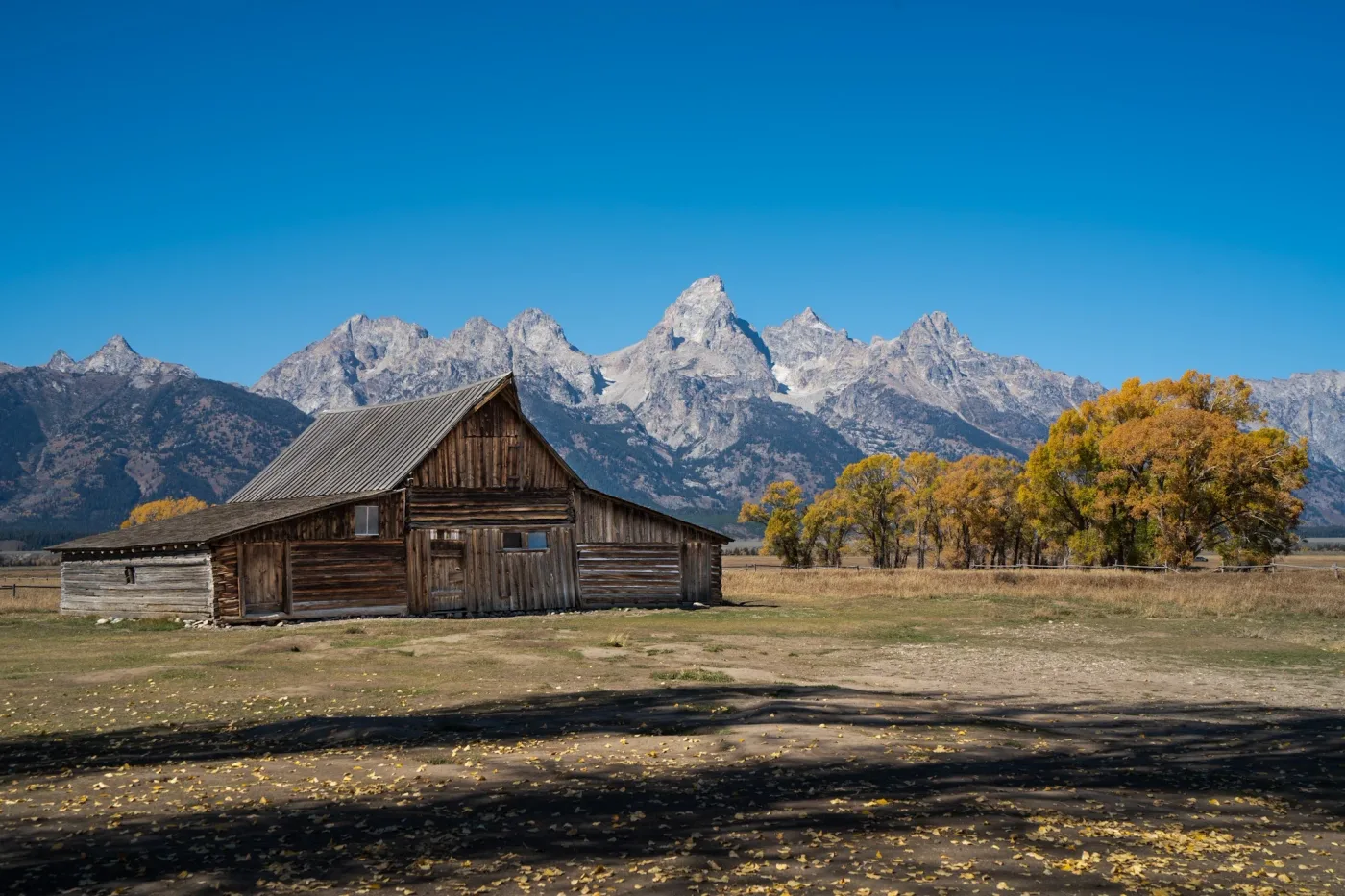
How pctrs works
A quiet place for your pictures: a cabinet of your own work, shown in your order, with nothing ranked and nothing sold.
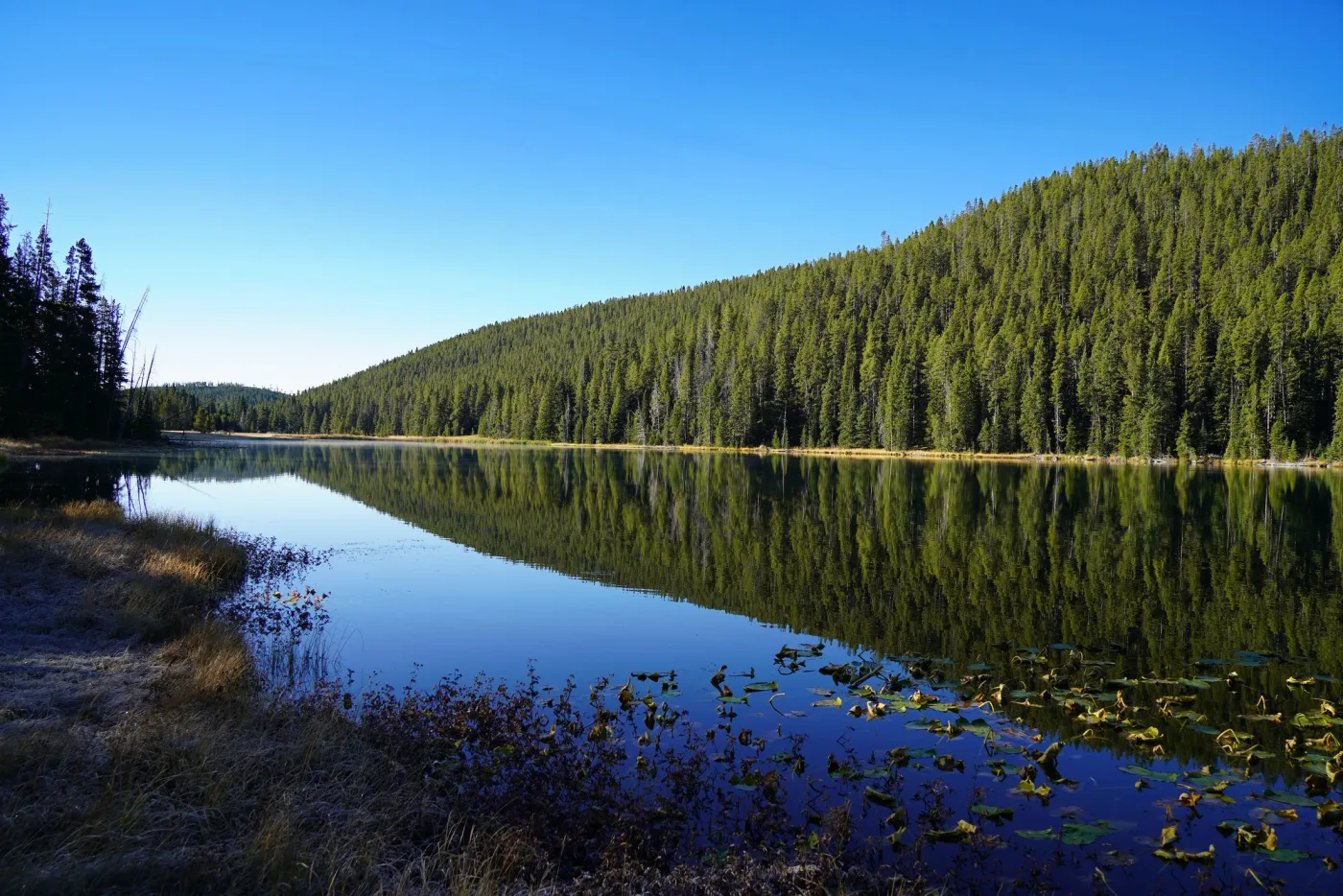
Mormon Row, Grand Tetons · © @john on pctrs.app, used by permission
A folio, not a feed
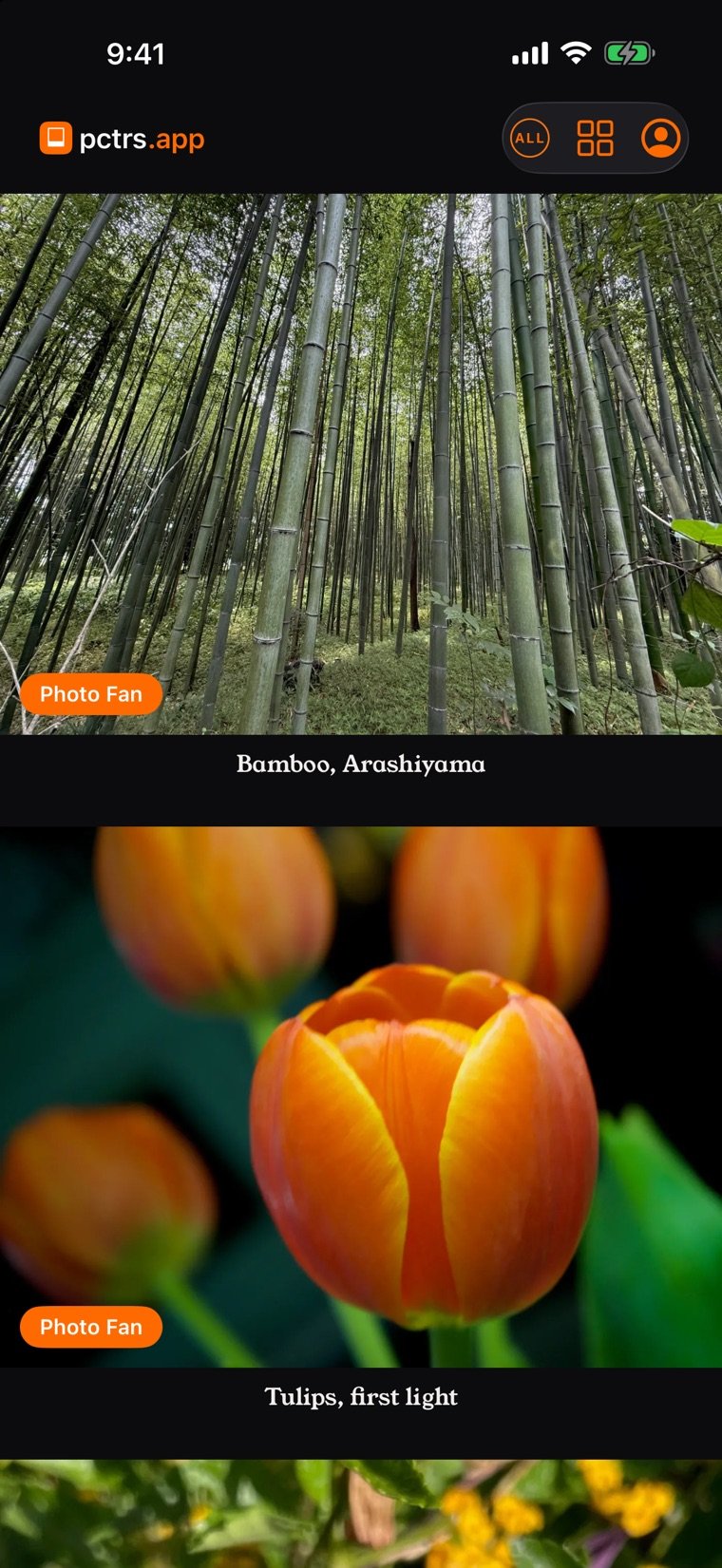
Nothing on pctrs is ranked, and nothing learns from you. No counts are public. The wall on the front page shows everyone's work, reshuffled on every visit, weighted for freshness and for fairness between members.
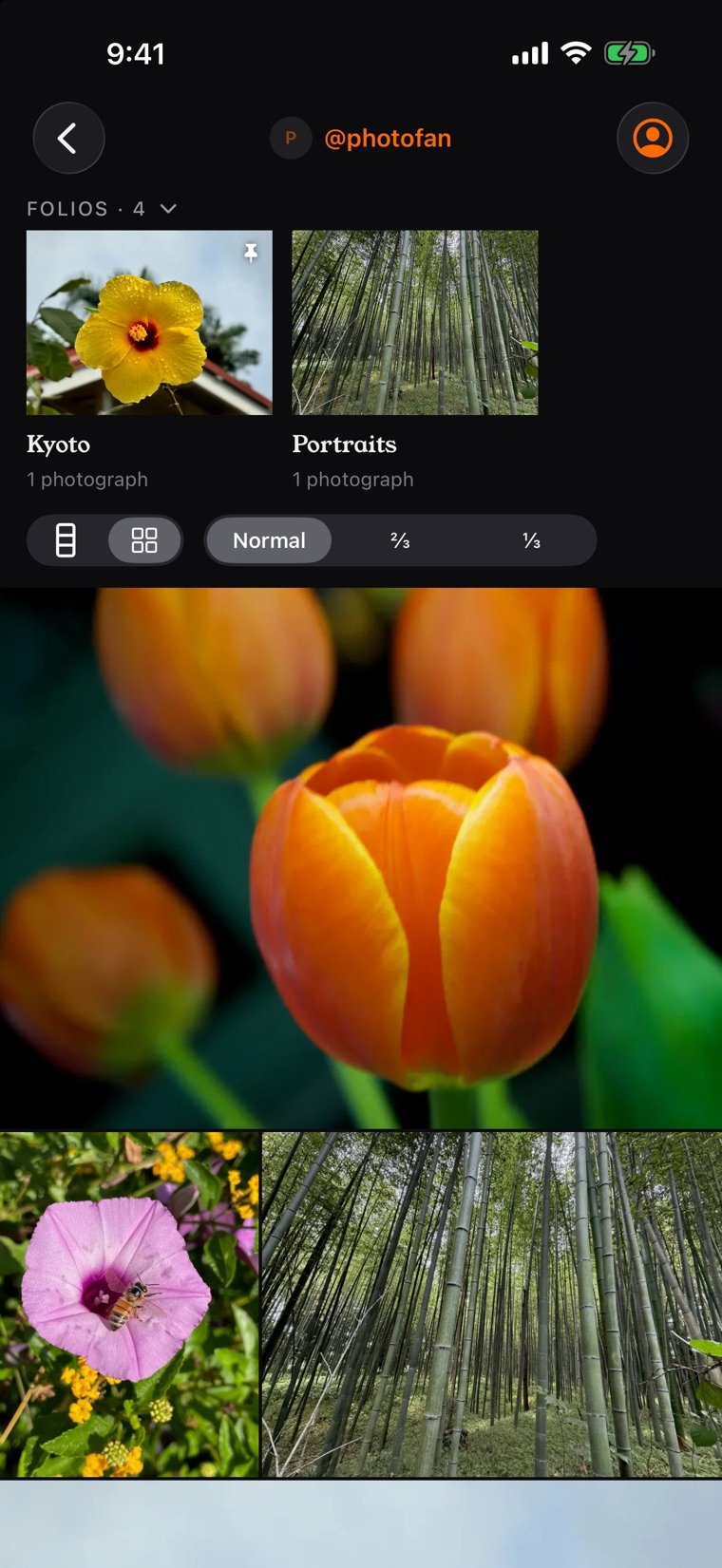
Each member has a cabinet: their photographs in their own order, as a filmstrip or a montage, in the look they choose.
Your originals, as you made them
Photographs are stored as uploaded, up to 60 MB each, with their EXIF, tags and places. Open one and tap 1:1 to see the full file. A location can be hidden in Settings, and Settings has a download of every original with a file of titles, captions, tags and locations.
Four rooms
Every photograph also finds its way, by its tags, into one of four rooms that gather the whole site's work by subject.
 Architecture
 Animals
 Botanicals
 Landscapes
Folios, rolls and the light table
- A folio is a sequence you make, with something to say: chosen photographs, in your order, with a statement. You arrange it on the light table.
- A folio can be private: off your cabinet, opened only by a link made from three words you choose, for as long as you choose. New words make a new link.
- A roll is a day's photographs, in the order they were taken.
- Any photograph can be made private by hand, or moved to the archive, where it is unlisted but opens by its link.
The locker and the camera bag
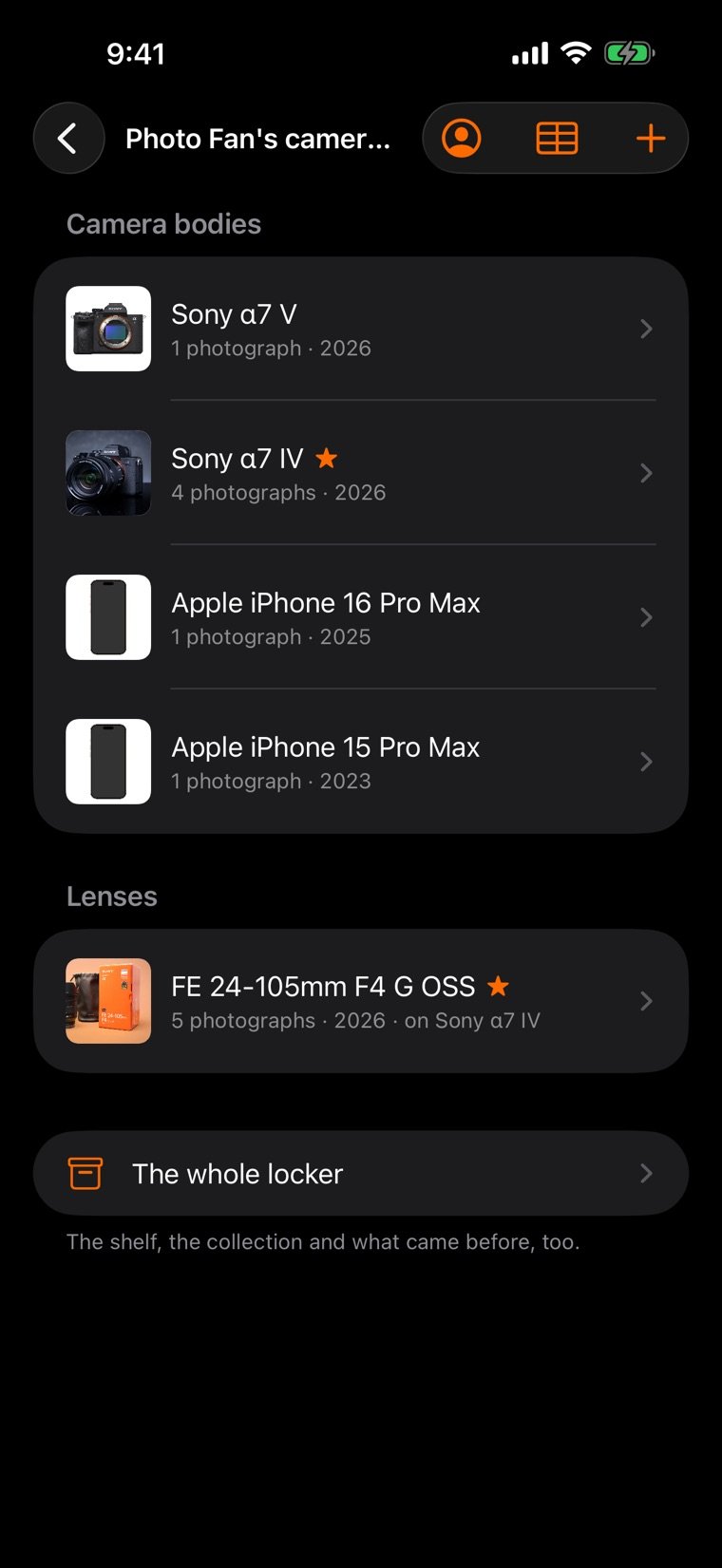
Every picture was made with something. The locker keeps it: the bodies and lenses found in your photographs' EXIF, the ones you add by hand, and the ones you have retired, each with the photographs it made. The camera bag is what you carry now, shown on your About page.
Comments that stay yours
Signed-in members appreciate a photograph with a heart, and can then leave a comment. Comments carry real names and ask for a confirmed email. Each photographer moderates the comments on their own work: hide one, or pin one to the top.
On your iPhone and iPad
The pctrs app is the same cabinet: the wall, folios, the locker and your comments, made for the phone. Its share extension sends photographs straight from Photos into your cabinet.
pctrs.app is the whole of it in any browser, on a computer, a tablet or a phone, and installs as an app where the browser offers it.



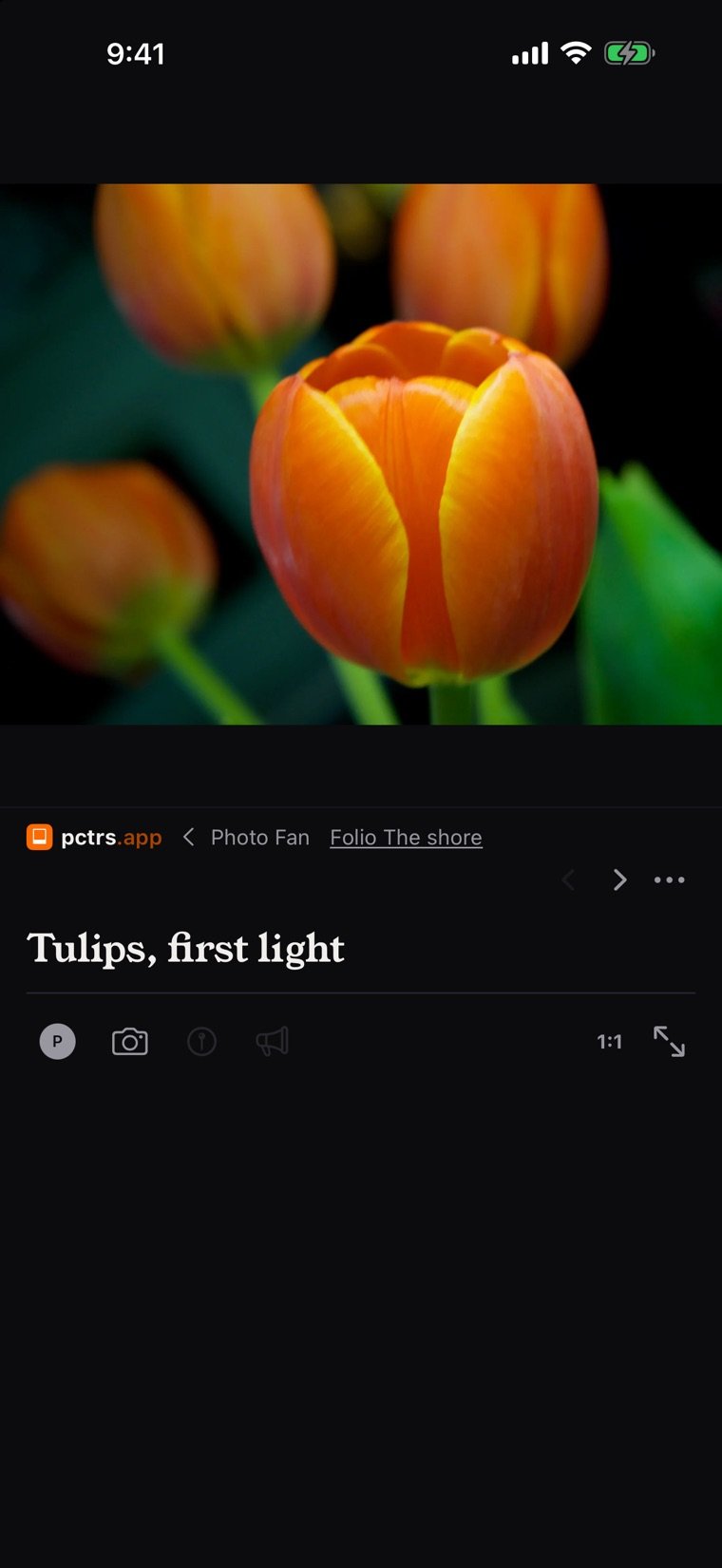
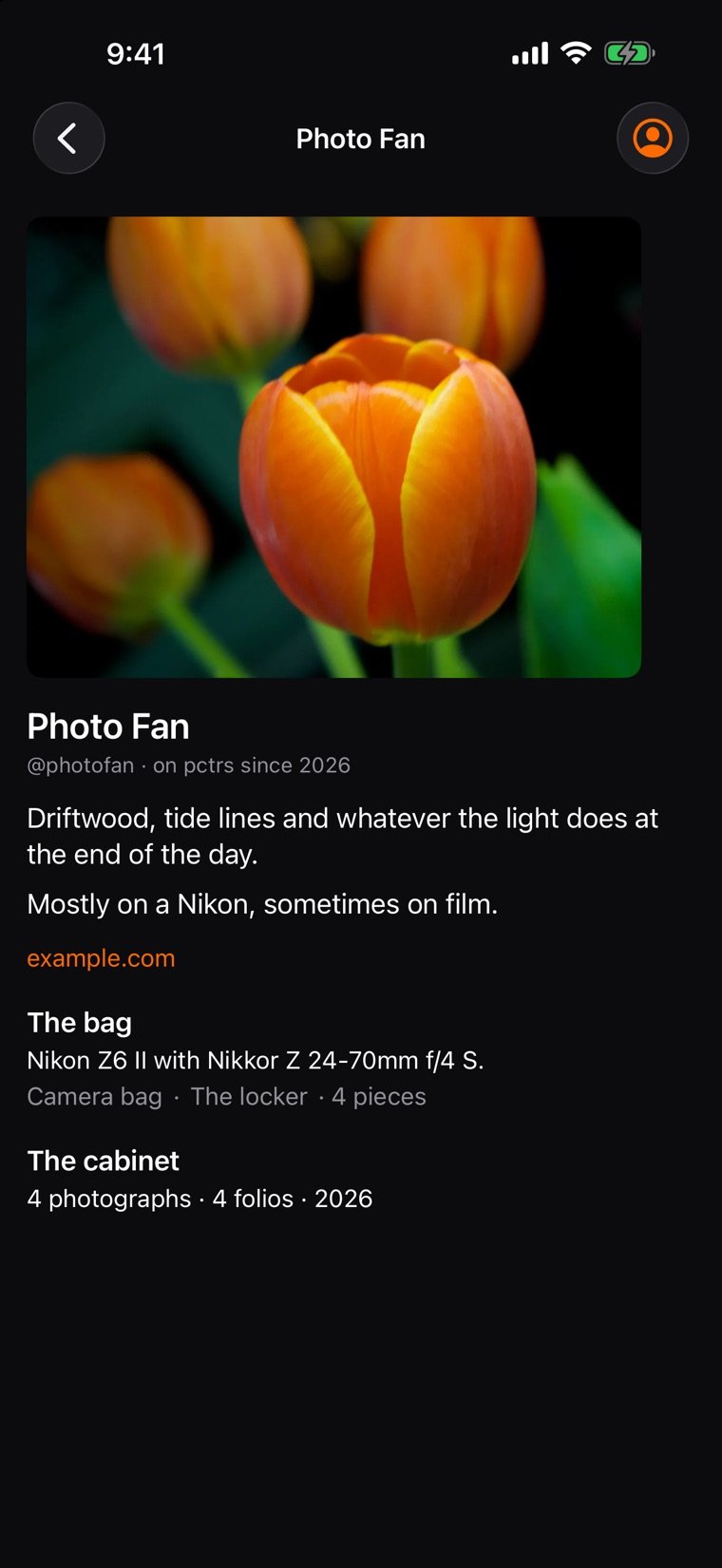
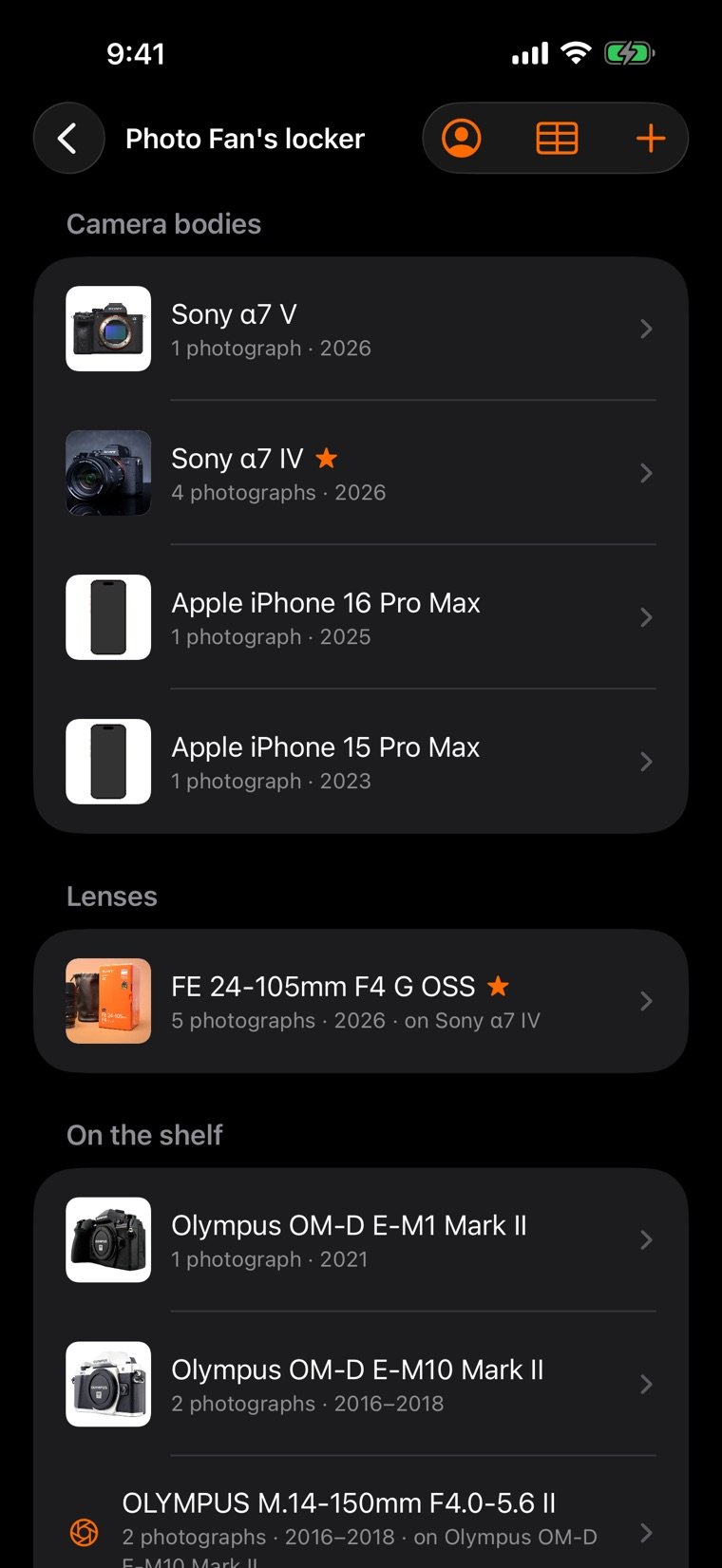
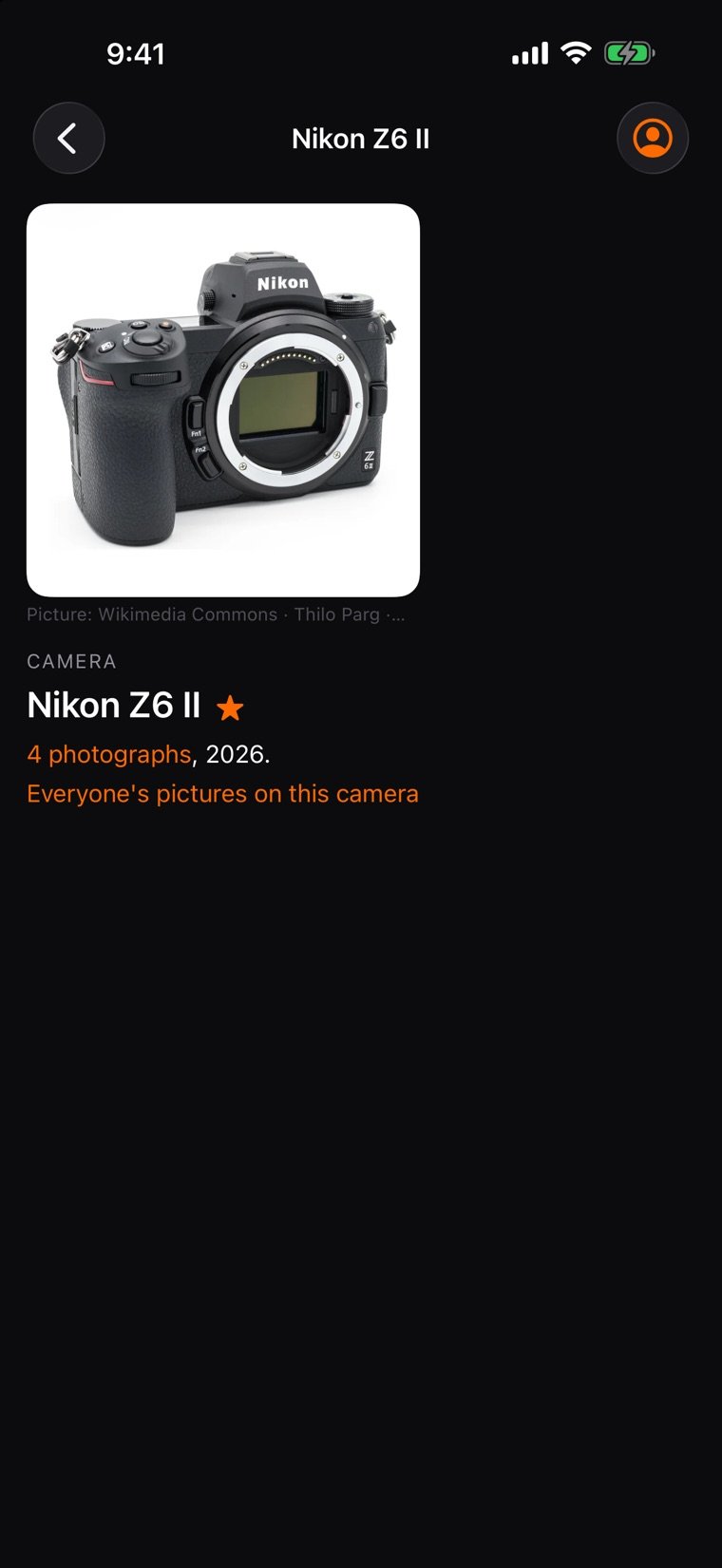
The wall, reshuffled on every visit
A year of support
pctrs runs on its members, not on ads. A free cabinet holds 5 photographs. A year of support opens more room:
| Level | A year | Room | Invites |
|---|---|---|---|
| Supporter | $10 | 30 photographs, 150 MB | 1 |
| Backer | $25 | 90 photographs, 450 MB | 3 |
| Founder | $50 | 200 photographs, 1 GB | 5 |
Each level carries its chip beside your name. When a year ends, nothing is deleted: the cabinet shows five photographs, your first five pinned and then the newest, and the rest come back when you support again. More on the About page.
Privacy, in plain words
- No advertising, no analytics, no tracking.
- One cookie keeps you signed in. Nothing about you is sold or shared.
- Your email is never shown. A private photograph or folio is seen only by you and whoever holds its link.
- Delete your cabinet from Settings at any time.
The whole of it is on the privacy page.